
Explainer
RAM vs Storage: Which Problem Are You Actually Trying to Fix?
By SpecCairn · Published October 28, 2026 · Documentation-based explanation, not a hands-on review
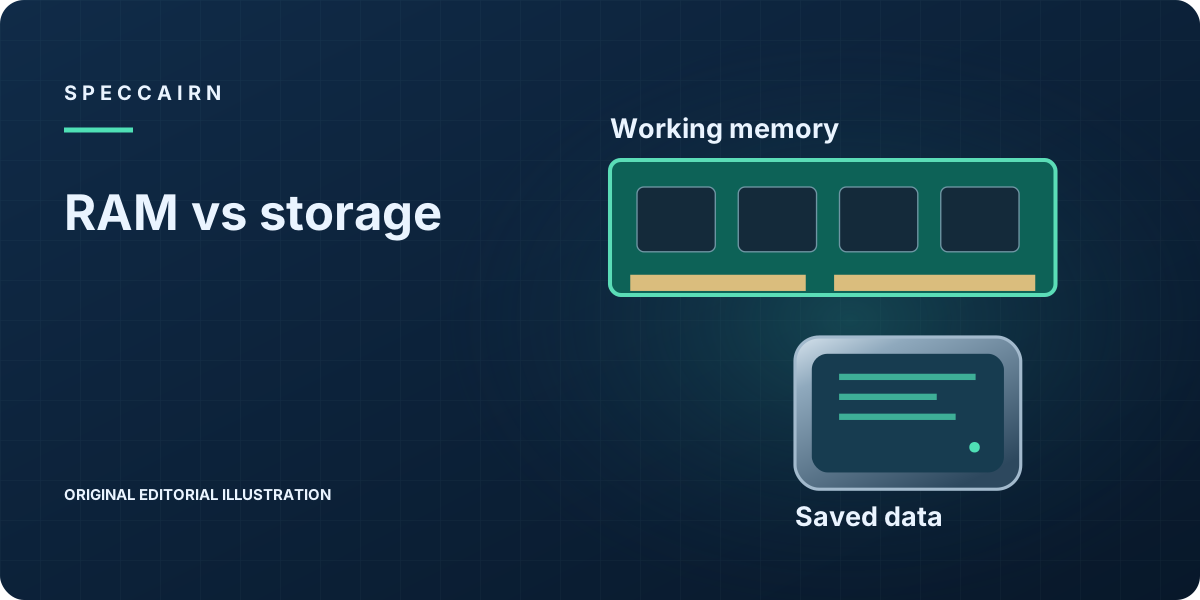
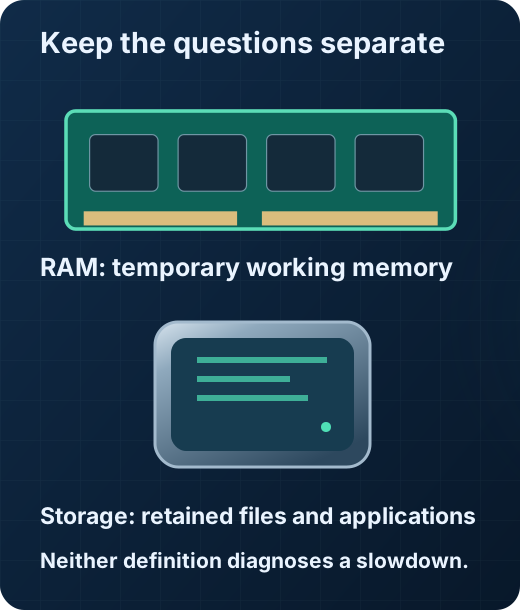
In the ordinary PC distinction used here, working RAM is volatile: its contents are lost without power. Saved storage is intended to retain applications, the operating system and files. This applies NIST’s volatility and persistence definitions to a general PC explanation; it is not a statement about every memory technology. More of one does not substitute for the other. Start with the resource you need, then investigate the exact computer: a slowdown alone is not proof that either upgrade will fix it. 12
Name the task before choosing an upgrade
Write down what you could not finish: saving a folder, installing an application, or keeping a particular combination of programs usable. Include the exact message if there was one. “My computer is slow” is too broad to become a shopping specification. Separating the task from an assumed cause keeps a component purchase from becoming your first troubleshooting step.
For example, “I need room for another project archive” is a capacity-planning question. “My editing session becomes unresponsive” is an observation that still needs investigation. The second statement does not establish a memory shortage, a processor limitation or a storage fault. Do not turn this guide into a diagnosis by matching one symptom to one part.
Separate the numbers on a specification sheet
RAM capacity and drive capacity describe different resources, even though both may be expressed with similar unit labels. Put them in separate columns in your notes. Record what is installed and what you actually need to retain or run; do not add the two capacities together or compare them as alternatives in a single total.
When comparing two computers, a larger drive answers the saved-data question. It does not establish how a particular workload will perform. Likewise, a larger RAM figure does not establish that the drive has enough room for your files. A specification comparison is useful only when each number is attached to its own job.
Build a decision worksheet without invented thresholds
Use four entries: the task, your observation, the installed resource and the missing evidence. If the task is retaining more files, estimate the additional local capacity from your own folders. If the task concerns a demanding application, consult that application’s requirements and gather workload-specific information before choosing a RAM target. There is no universal capacity recommendation in this guide.
If a seller recommends an upgrade, ask which observation supports it and which outcome they expect to change. Request an exact part and system match before ordering. Treat “bigger is better” as an incomplete answer, not a test result. If you cannot establish the cause of an operational problem, seek model-specific support rather than buying both components to cover the uncertainty.
Check whether an upgrade is actually available
This explanation is not a service manual. Before opening a device or ordering a part, locate the exact model’s service information and confirm that the proposed change is supported. Leave any undocumented replacement, access procedure or compatibility question unresolved. No physical installation or upgradeability was tested for this guide.
Different questions need different evidence
| Question | Resource to investigate | What is still missing |
|---|---|---|
| Where will saved applications and documents live? | Storage | Your capacity requirement and exact drive compatibility 2 |
| What temporary working memory is installed? | RAM | Workload requirements and exact system upgrade support 1 |
| Will an upgrade cure a slowdown? | Not determined by these definitions | A diagnosis for the observed workload 12 |
Your next-step checklist
- Write the actual task and any error message before naming a component.
- Record RAM and storage separately; do not add them together.
- Estimate additional saved-file needs from your own data.
- Verify application requirements and exact system support before selecting RAM.
- Keep any unexplained slowdown unresolved until it is investigated.
Frequently asked questions
Is RAM the same thing as storage?
No. RAM is temporary working memory, while storage holds applications, operating-system files, and saved documents after ordinary power is removed. 12
If a computer has plenty of storage, can it still need more RAM?
Yes. Storage capacity and working memory are different resources, so one can be adequate while the other is still the bottleneck.
What should I check first when deciding between the two?
First write the task and the observation. A file-capacity requirement can guide storage planning, but a slowdown needs investigation; it does not prove a RAM shortage.
Scope and limitations
- General resource definitions, not a performance diagnosis or model-specific installation guide.
- No universal capacity, measured speedup, physical testing or product recommendation.

Scope: General resource definitions, not a performance diagnosis or model-specific installation guide. No universal capacity, measured speedup, physical testing or product recommendation.
Sources and reference notes
- NIST CSRC: Volatile Memory. Definitions; sources SP 800-101 Rev. 1 and SP 800-72. NIST CSRC: Non-Volatile Data. Definitions; source SP 800-86. Scope: Ordinary PC working-memory explanation, not all memory technologies or a performance/upgrade diagnosis. Source passages checked 2026-10-26; application guidance is SpecCairn’s own. Back to text
- Scope: General resource-planning inference; no universal capacity, speedup or compatibility claim. Source passages checked 2026-10-26; application guidance is SpecCairn’s own. Back to text
Found an error? See the corrections process.